My current PC setup

At the heart of any PC setup is of course the PC, and I went with the ASUS ROG G700 fitted with the Core Ultra 9 285K, one of the best ranking CPUs on CPUBenchmark.net, and the 5070ti, one of the best bang-for-the-buck current-gen graphics cards. With this, I can do whatever 3D modeling and gaming that I want. You'll need to get rid of some bloatware but it's worth it for the value.
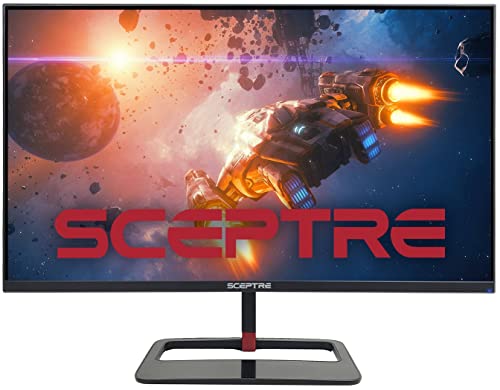
Our house isn't big enough for my office to be big enough for my desk to be big enough for my monitor to be 4K, so this Sceptre 27” 1440p 144Hz monitor is plenty good enough for me. It's not the most rigid monitor in the world, but I don't make a habit of shaking my desk. After using anything 120Hz or higher, it's impossible to go back.

I listen to a LOT of music and watch a TON of movies, plus I play some video games. So thumpy, but well mixed, sound is important to me. The easiest way to get that is with a solid pair of headphones, and we'll get to that but I don't always want to wear headphones (partly because I'm disabled and partly because I just don't wanna), so the next best way is with a pair of studio monitors. They don't need to be top of the line units, we're not mixing tracks with Dr. Dre. These PreSonus 3.5” monitors have served me well and given me no trouble.

And here are those headphones, the BOSE QuietComfort. There are SO comfortable and sound SO good. The ANC is the best I’ve experienced; they make all the sounds of my computer fans and personal heater disappear. And the way they can connect to multiple devices is a necessary convenience. Try to get them on sale though because BOSE isn’t the most affordable brand. I do love my pair of Heavys, but I can’t recommend them to anyone but diehard metal heads because they really are super heavy.
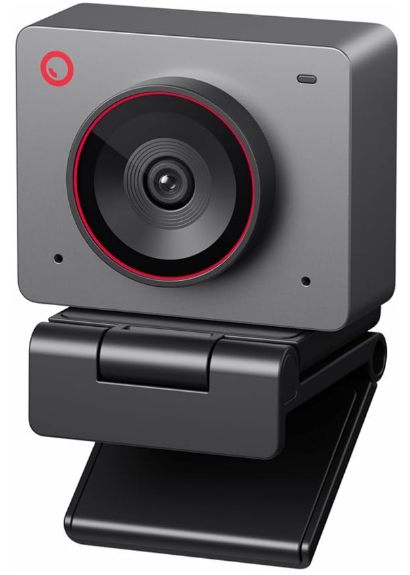
The OBSBOT Meet 2 is a 4K camera with excellent framerate. I use my webcam to control my computer via face tracking software (Enable Viacam), so I need it to be responsive and clear. I’ve tried several and this one came out on top.
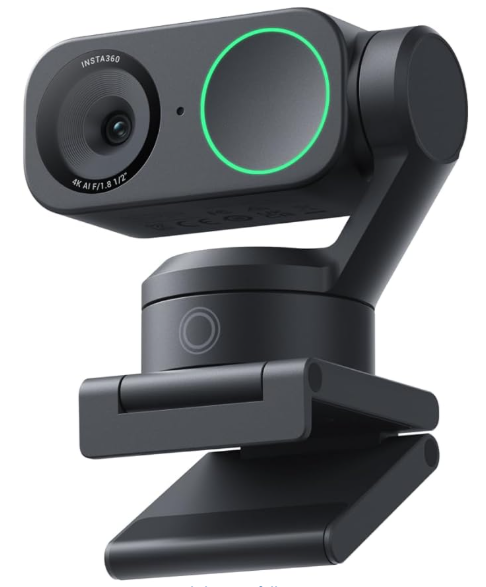
For filming and video calls I use the Insta360 Link 2, which has some amazing features that no other cameras have such as Desk View and powered auto-tracking. It’s honestly kind of magic.

For audio input, I sport this humble CMTECK gooseneck microphone. I use a lot of voice commands on my computer so crisp audio is important to me. I've tried a number of mid range mics, including condenser and dynamic, and none have been as loud and clear as I want them to be. This one still isn't as loud as I want but it's better than the more expensive ones, so it's the choice until I find better.
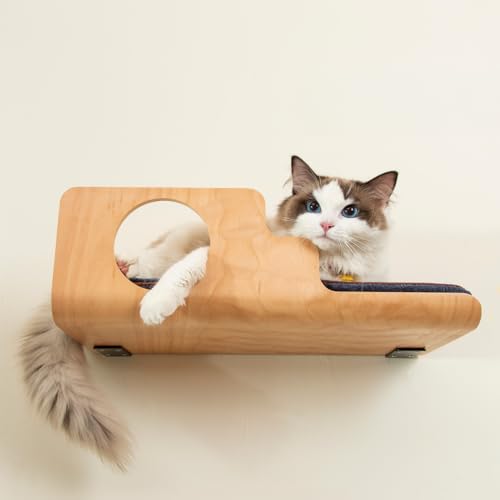
It may seem odd to see a cat shelf on a PC setup list, but my cat kept knocking everything off my desk to make a spot to lay down, so we came up with this compromise. We're both happier now.

I did just mention a cat so the setup would be incomplete without some air filtration. This Govee one works with Alexa, which I use a lot, and has affordable replacement filters.

You thought they went extinct didn't you? Didn't they all evolve into 3D printers? Obviously not, evolution isn't real. We'll cover my 3D printer in a different post, but I'd like to salute this beast to wrap up this list. I've used many printers over the years and this is the only one that just works. Every function works as it should. The wifi, the scanning, the copying, the printing, it does it all. And the toner is cheap. The only downsides are that it's not in color and it's kind of pricey up front. But I would buy it again in a heartbeat.
